

Getting Started
Scvltori runs seven threat-modeling frameworks against your actual architecture and turns the result into one defensible risk score. This page walks through how the platform is organized and the order most teams work in.
What the platform actually does
Threat modeling normally means one of two things: a checklist someone fills in once, or an AI tool that free-associates plausible-sounding threats with no way to check its work. Scvltori replaces both with a structured pipeline: you describe your system as assets and dataflows, seven frameworks analyze it, and every finding gets a residual risk score built from CVSS v3.1, Bayesian probability, and your actual controls — not a color.
- IDENTIFY THREATS
- AI analysis grounded in your own assets and dataflows, not a generic template.
- PRIORITIZE
- A residual risk score (0–100) per threat, so you know what to fix first.
- SHOW YOUR WORK
- Executive and technical reports, in PDF or HTML, in English or Spanish.
- JUSTIFY INVESTMENT
- Every control you add has a measurable effect on the score — you can point to the number that moved.
- KEEP IT CURRENT
- A living risk register with treatment states, not a one-time exercise.
How a project is organized
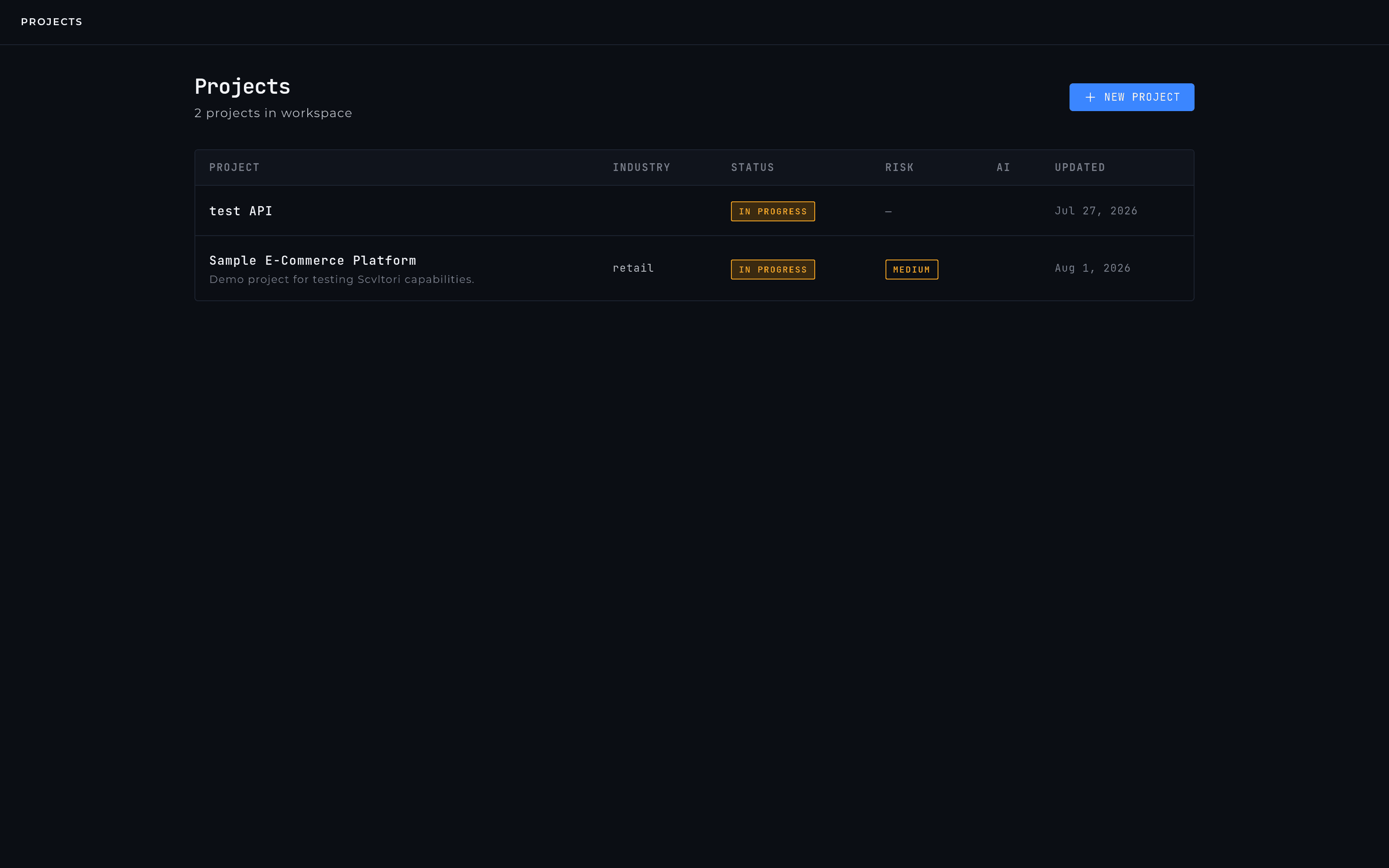
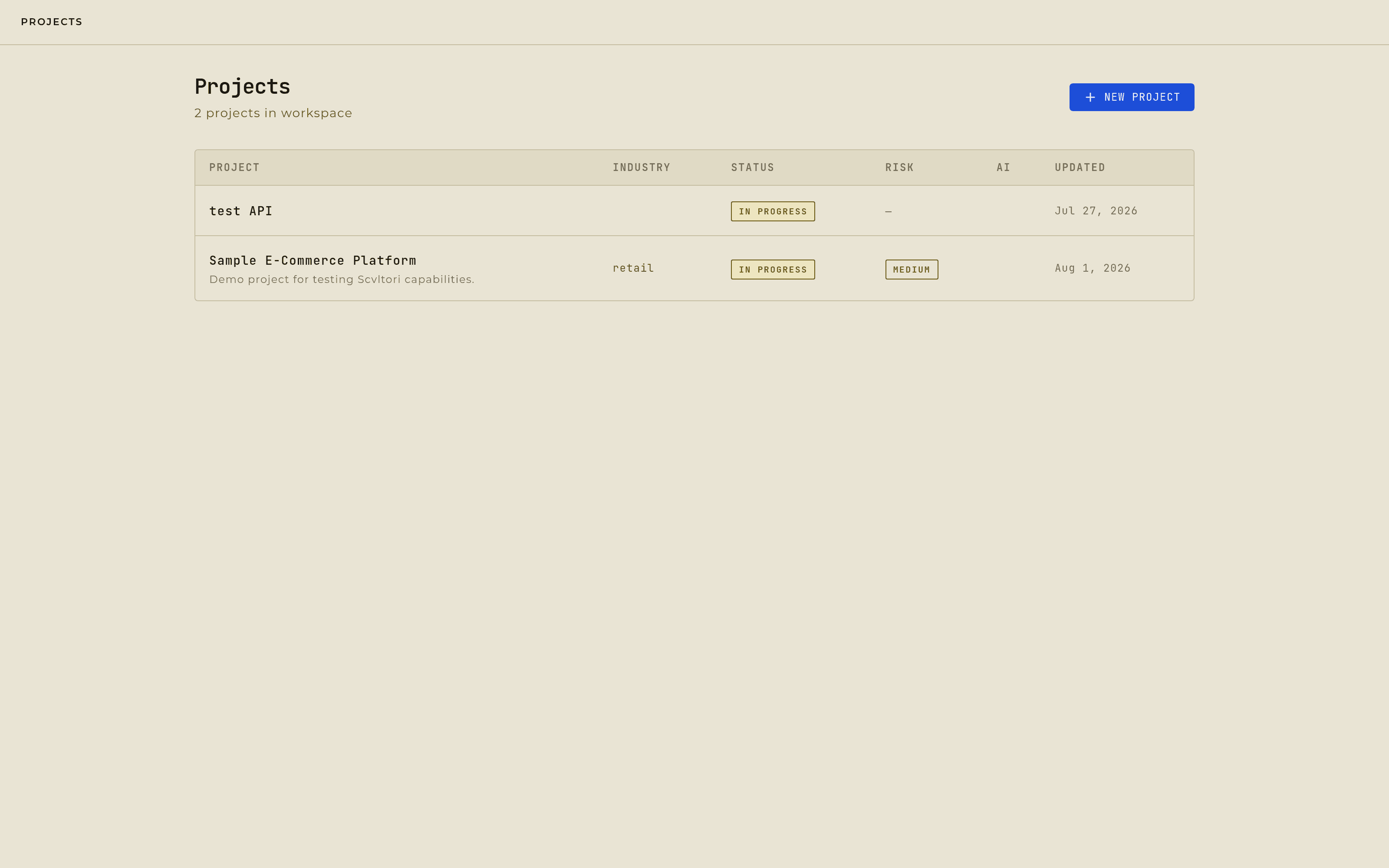
Everything lives inside a project — one system you're modeling. Inside it:
- ASSETS
- the components of your system and the interactive diagram connecting them.
- FRAMEWORKS
- a dedicated workspace per framework (STRIDE, MITRE ATT&CK, and the rest), each with its own list of generated threats.
- THREAT INTELLIGENCE
- every framework's findings deduplicated into one canonical list — this is where you change a threat's status.
- RISK REGISTER
- the full inventory, most recent first — the read-only view of how exposed the project is right now.
- CONTROLS
- your library of safeguards, and the matrix that links them to the threats they actually cover.
- REPORTS
- generate an executive or technical document from the project's current state, on demand.
The order most teams work in
- Step 1:
Create a project and describe the system in a few sentences.
- Step 2:
Add assets — the components, however many there are.
- Step 3:
Draw dataflows between them on the canvas.
- Step 4:
Run the framework analysis — most of the wait is the AI itself, typically a few minutes per framework, not manual work.
- Step 5:
Review what came back and triage it — mark what is real, and what you are accepting.
- Step 6:
Build out your control library and link each control to the threats it actually covers.
- Step 7:
Update treatment status in the risk register as controls go live.
- Step 8:
Generate a report.
Five to eight well-documented assets consistently produce sharper results than twenty vague ones — specificity is what the AI and the risk engine both use.
Working as a team
Access is role-based — from a read-only viewer up to a workspace admin — and enforced at the API, not just hidden in the interface. See Team & Roles for the full breakdown.
Common questions
- CAN I RE-RUN THE ANALYSIS?
- Yes, as often as you want. Findings already in your project are matched and updated rather than duplicated, and anything you've marked mitigated, accepted, or transferred is left alone — your judgment survives the re-run.
- CAN I ADD THREATS THE AI DIDN'T CATCH?
- Not by typing one in — there's no manual threat entry today. If something is missing, add the asset or dataflow it comes from and re-run; the analysis picks it up from there. What's already been found, you can always re-classify.
- WHAT IF A THREAT DOESN'T APPLY TO US?
- Mark it accepted. The engine respects that call: re-runs won't reopen it, and it stays visible in the register as a documented decision rather than disappearing.