

Triage and close threats
4 of 4 · How-to
Threat Intelligence is where a threat's status actually changes. It's also where the same weakness, found by three frameworks, stops looking like three problems.
Step 1: Open Threat Intelligence
Each row is a canonical finding: the same underlying weakness on the same asset, grouped across every framework that reported it. A flaw STRIDE, ATT&CK, and OWASP all caught appears once, not three times — with the frameworks that confirmed it shown on the row.
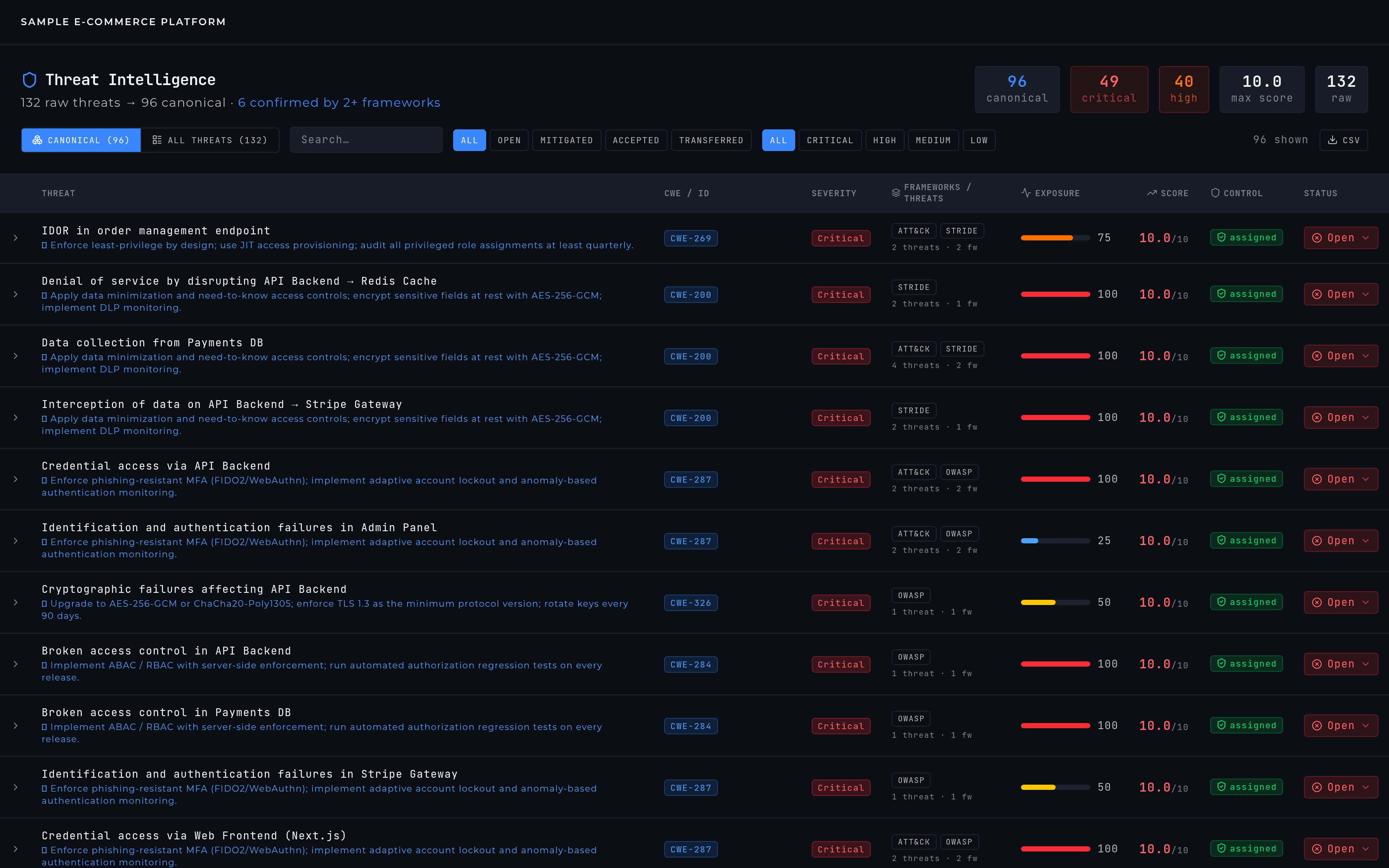
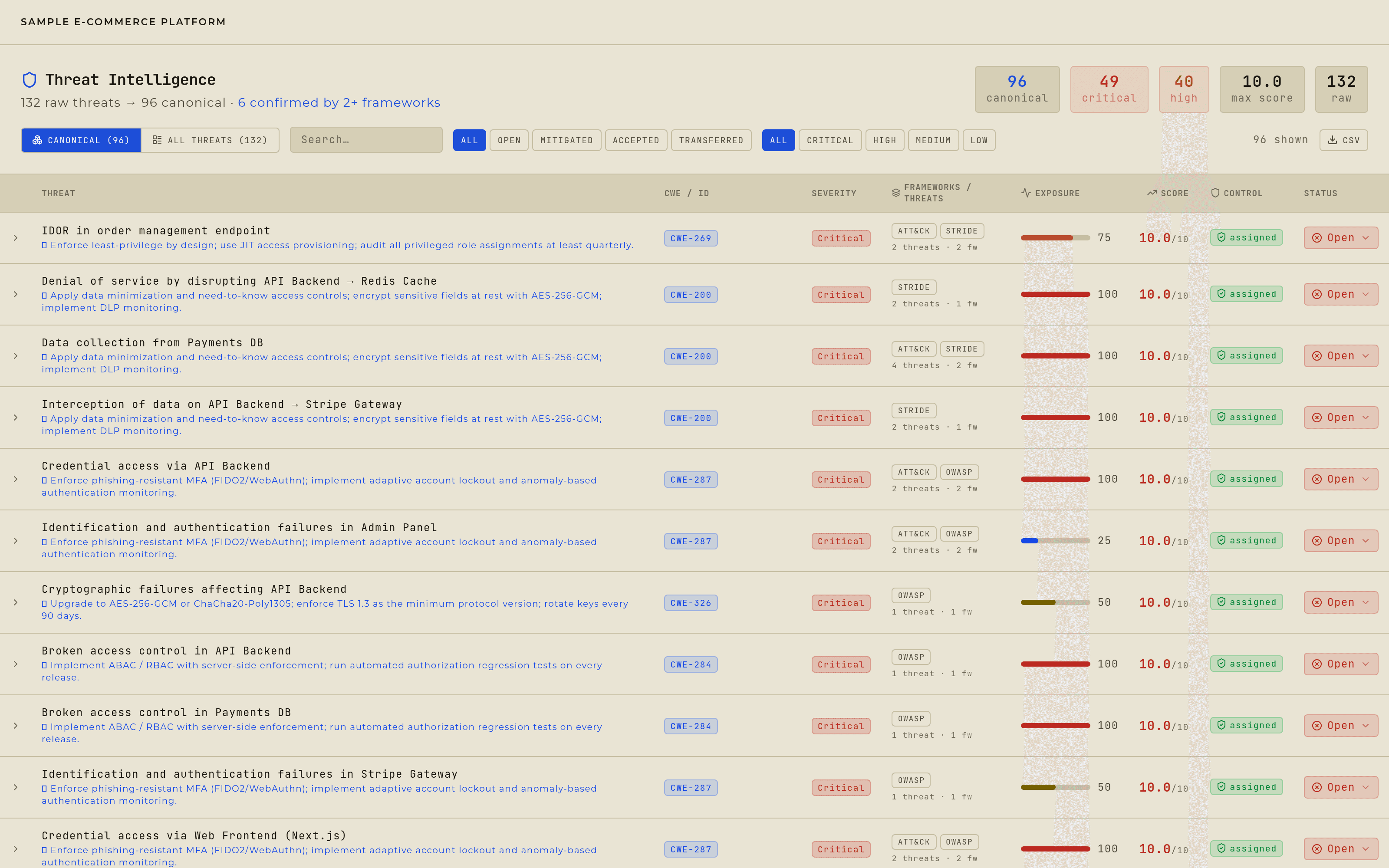
Threat Intelligence: one row per canonical finding, with the raw-to-canonical count at the top. Step 2: Expand the row before you decide
Expanding shows the description, the score breakdown, inherent against effective risk with the reduction percentage, the exposure factors behind it, the constituent per-framework threats, and the controls already linked to it. That's the evidence for whatever status you're about to set. When nothing is linked yet, the same panel recommends the catalog controls that fit — so the answer to "what do I do about this one" is in front of you while you're still reading it.
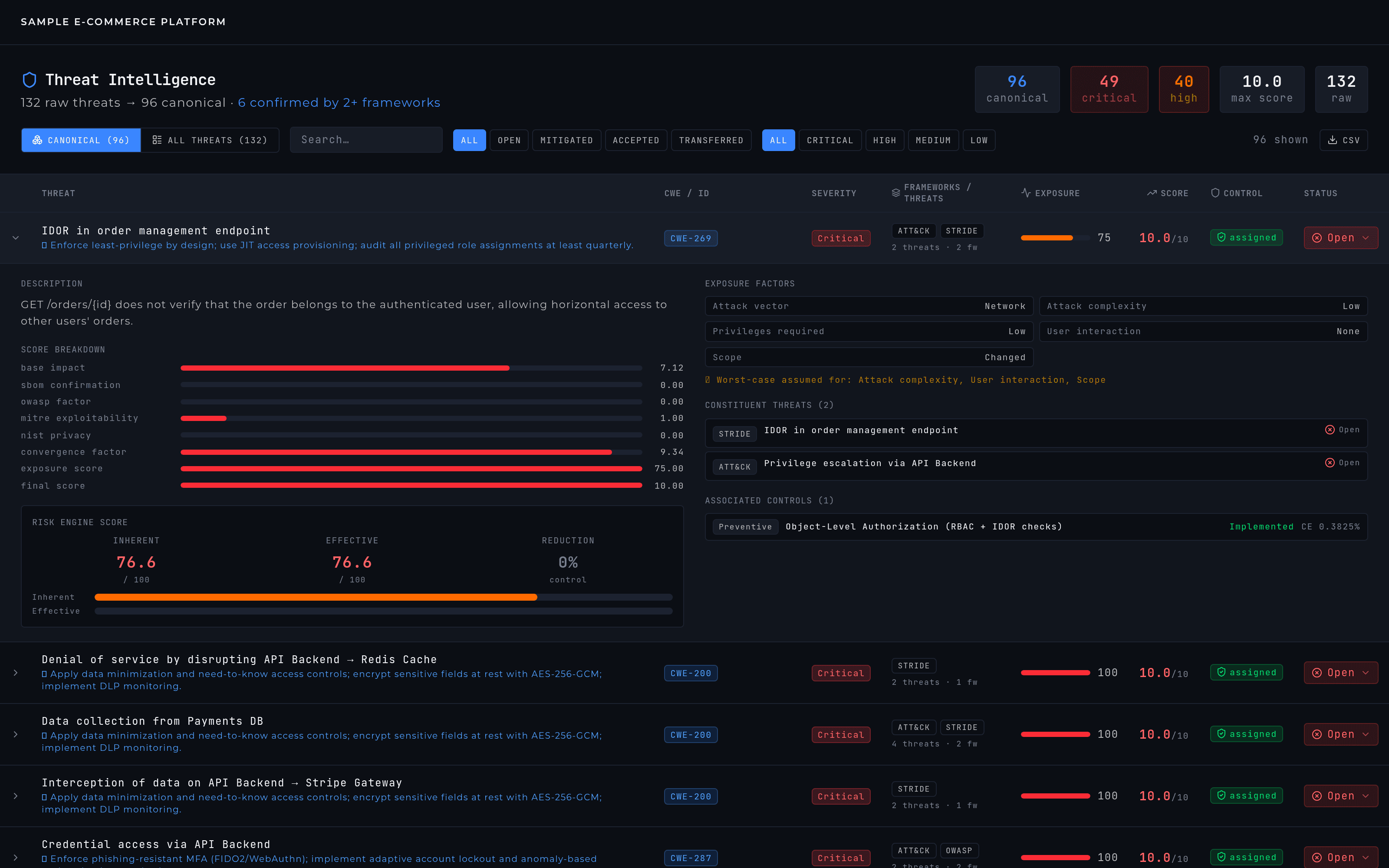
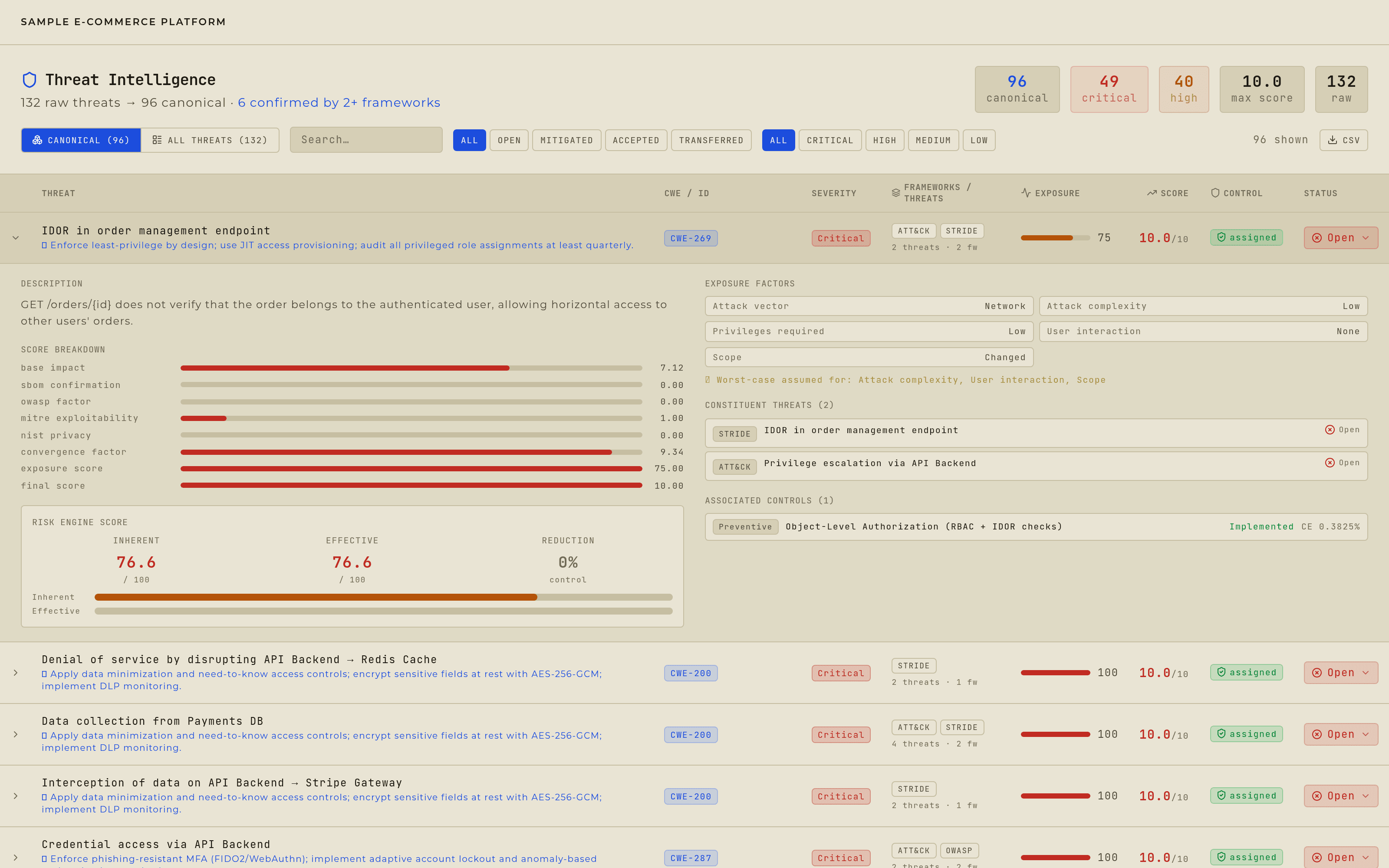
An expanded finding: score breakdown, inherent versus effective risk, exposure factors, constituent threats, and associated controls. Step 3: Set the status
Click the status pill and choose open, mitigated, accepted, or transferred.
Step 4: Know what one click touches
The row is a group, so the change propagates to every underlying threat inside it. The dropdown states exactly how many threats, across how many frameworks, it's about to update — before you commit to it.
Step 5: Let it rescore
Scores recalculate in the background and the view refreshes a moment later. The risk register can lag a few seconds behind that.
What each status means for the score is on the Risk Register page. Risk Register →