
Reports
A report is a live snapshot of the project exactly as it stands right now — its threats, assets, and dataflows — not a point-in-time archive. There's no date picker; if you need to compare today against a month ago, generate one today and keep it.
Report types
- EXECUTIVE
- a high-level summary — overall score, top risks, strategic recommendations. Built for leadership or a non-technical client.
- TECHNICAL
- the full detail — every threat, its scoring, its controls, its CVSS breakdown, and the controls recommended for whatever still has none, stamped with the catalog version they came from. Built for the team that has to act on it.
- BRIEF
- the Executive trimmed to the essentials — top risks and immediate actions, without the methodology notes, the control inventory or the abuse-scenario detail. Built to be read in one sitting.
- FRAMEWORK-FOCUSED
- uses the Technical layout, narrowed to the frameworks you select. Threat counts, charts and control coverage cover just that subset — and the report says so on its face, because the project-level risk and exposure scores still span your whole model.
Framework filtering
The framework selection applies to any of the four types, not just Framework-focused: pick some and the report covers only those frameworks' threats, with counts, charts, control coverage and security requirements all computed over that subset. Leave it empty and you get the whole model.
A filtered report says so up front: it lists the frameworks it covers and notes that the project's risk score and exposure score still span the entire threat model, including the frameworks left out. Those two numbers come from the risk engine — a report never recalculates scoring, it only reports it.
Format and language
Choose PDF or HTML, and English or Spanish, independent of each other. PDF generation renders an HTML version first and converts it — if that conversion step fails, the HTML version is kept and served in its place, so a render hiccup doesn't cost you the report. It still downloads with a .pdf name.
Timing
Generation is asynchronous and typically takes well under a couple of minutes; the screen checks automatically until it's ready; there's no reason to refresh manually. Generation is capped at 10 reports per hour per user.
History
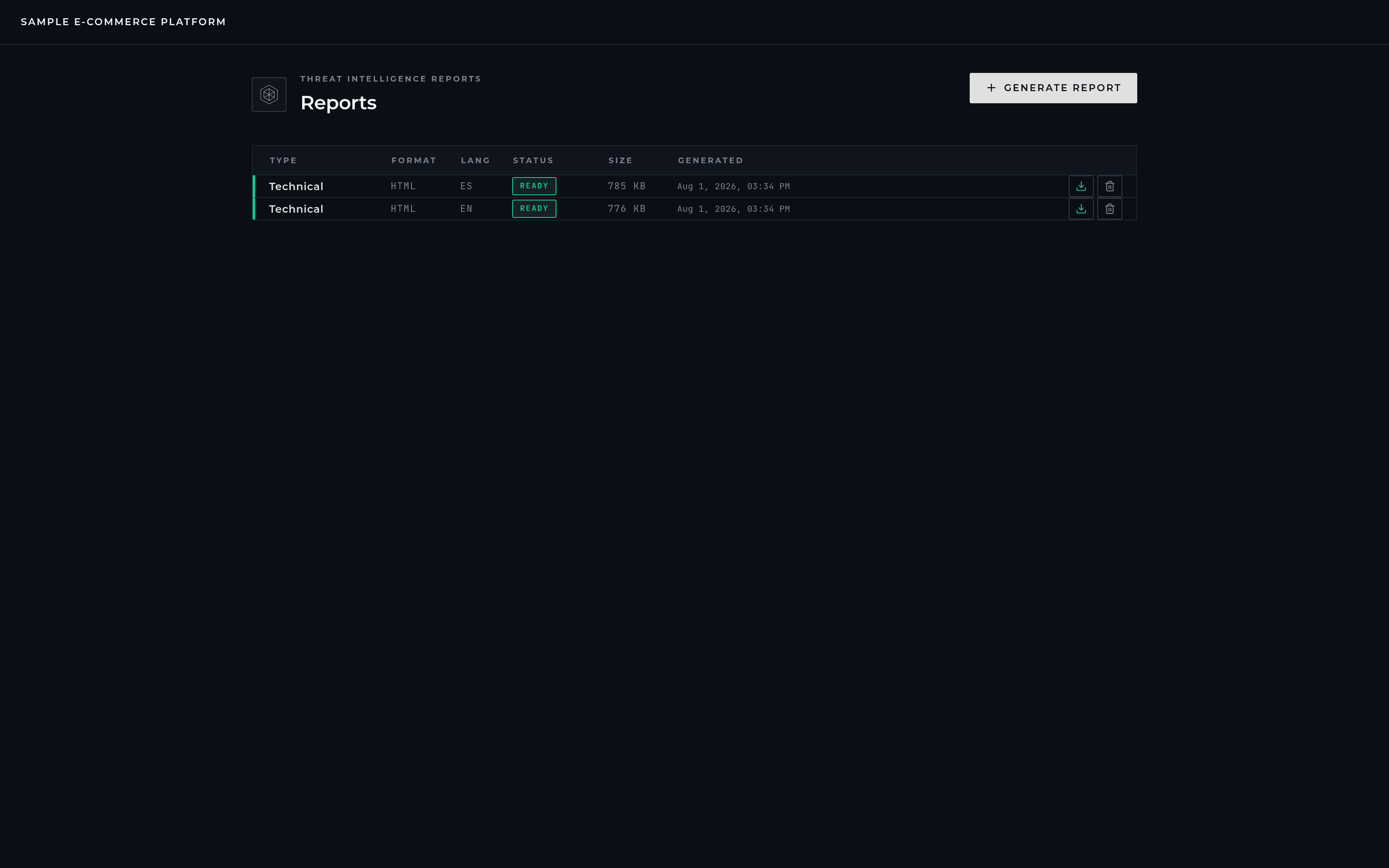
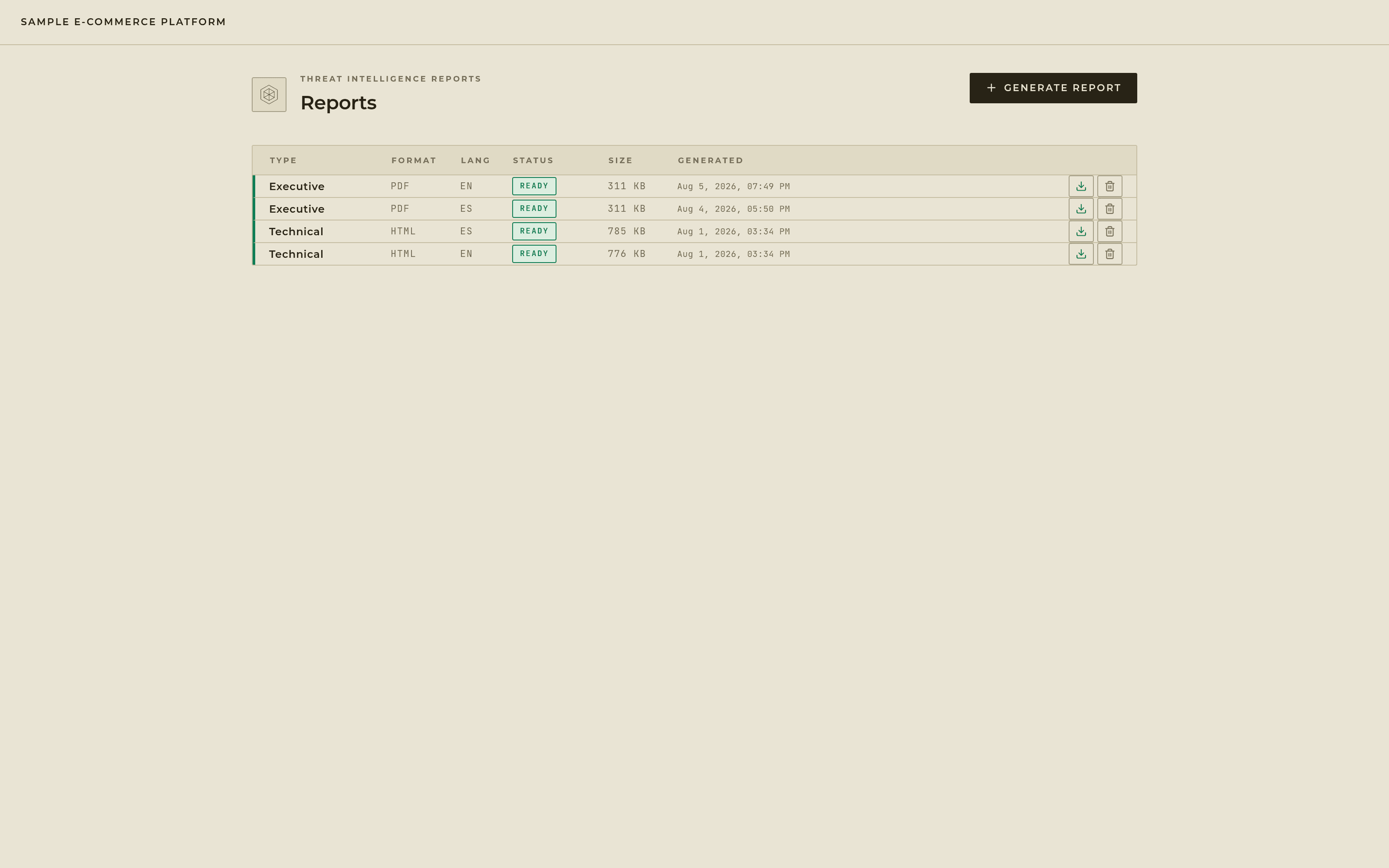
Every report you've generated stays listed, most recent first, downloadable at any time, until you delete it.